Four steps
- Choose a photo where you look straight at the camera, head to waist or full body, alone in the frame.
- Upload it in the generator above and pick 480p or 720p.
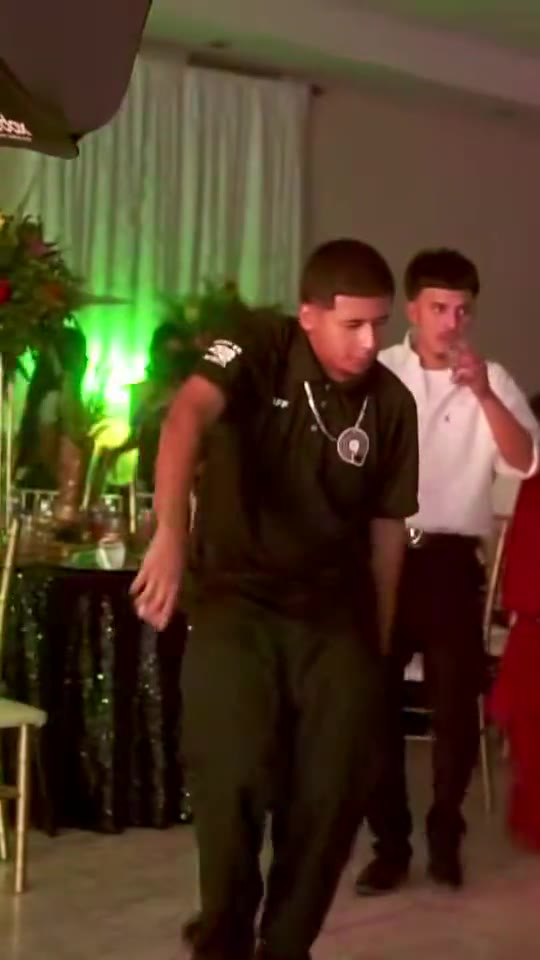
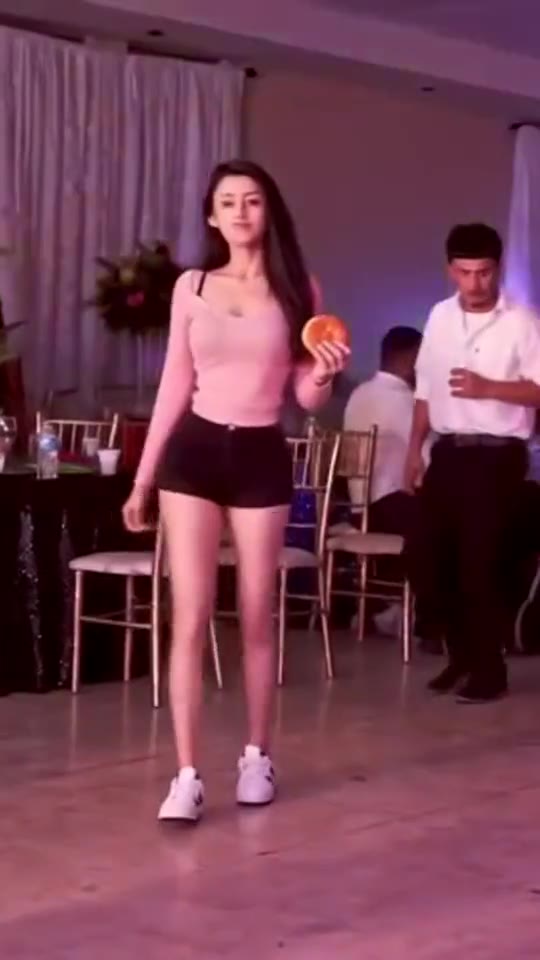
- Generate. The model replaces the dancer in the original quince clip with you and keeps the party around you.
- Download the clip and post it on TikTok or Reels with the BbY WOW sound.
Why the stare goes wrong
| What you see | Likely cause | Fix |
|---|---|---|
| Face looks pasted on | Face-only crop | Use a photo with your shoulders |
| Eyes drift off camera | Photo taken looking sideways | Pick a photo looking into the lens |
| Two faces blend | Group photo | Crop to one person |
| Blurry close-up | Dark or filtered selfie | Daylight photo, no filter |
What changes and what doesn't
You change: face, hair, skin tone and build come from your photo. The rest stays: the quinceañera, the guests, the lights, the concha, the camera move and the timing. Your outfit comes from your photo too.
Posting tips
- Pick vertical 9:16 for TikTok and Reels, or horizontal 16:9 for the original's frame.
- Add the sped-up BbY WOW or "dime dime baby" sound inside the app.
- Hashtags people use: #bbywow #bbywowguy #miradapreñadora #DimeDimeBaby.
Who he is and how the meme spread: the Bby Wow guy meme.